How to Censor Videos on Chromebook (No Install Required)
Need to censor a video on your Chromebook? Most video editing software won't run on Chrome OS - no Premiere, no Final Cut, no iMovie. Here's a free tool that works directly in your browser.
Why Video Editing on Chromebook Is Hard
Chromebooks can't run traditional desktop software:
- Adobe Premiere Pro - Windows/Mac only
- iMovie - Mac/iOS only
- DaVinci Resolve - Won't install on Chrome OS
- Most Android apps - Crash or work poorly
If you're on a school-managed Chromebook, you probably can't install apps at all.
The Browser-Based Solution
Our free video bleeping tool runs entirely in Chrome. No installation, no app store, no IT approval needed.
Works on any Chromebook because it's just a website.

How to Bleep Words on Chromebook
1. Upload Your Video
Go to our bleeping tool and drag in your MP4 or MP3 file. Your file stays on your device - nothing uploads to any server.
2. Transcribe
Click "Transcribe" and AI generates a word-by-word transcript. Use the Tiny model for faster processing on Chromebooks.
3. Select Words to Censor
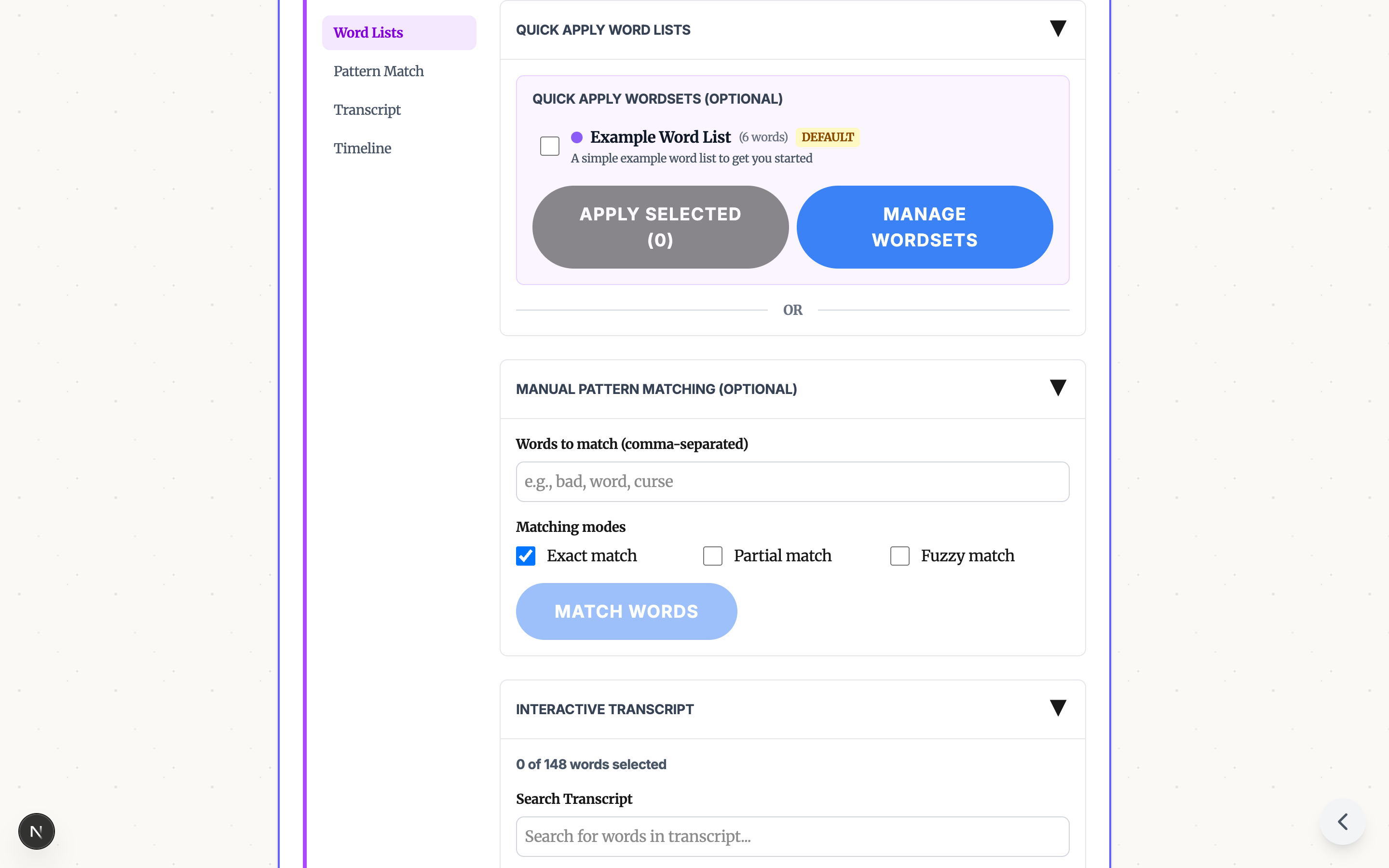
Quick way: Apply a word list to catch all common profanity instantly.

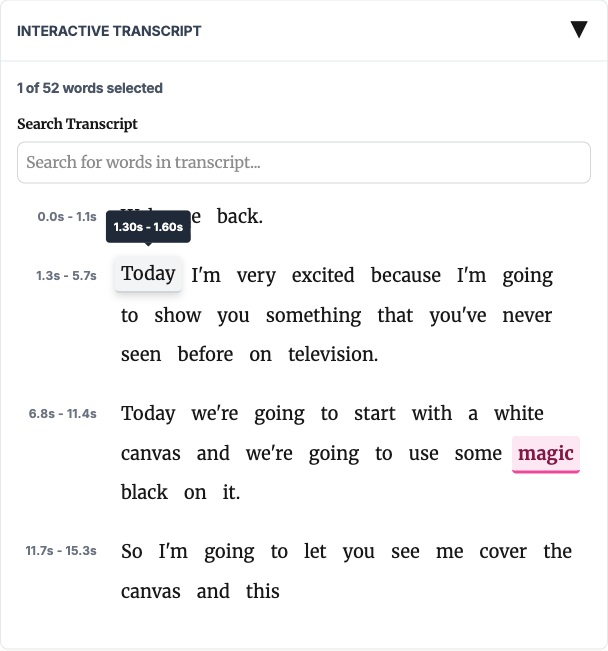
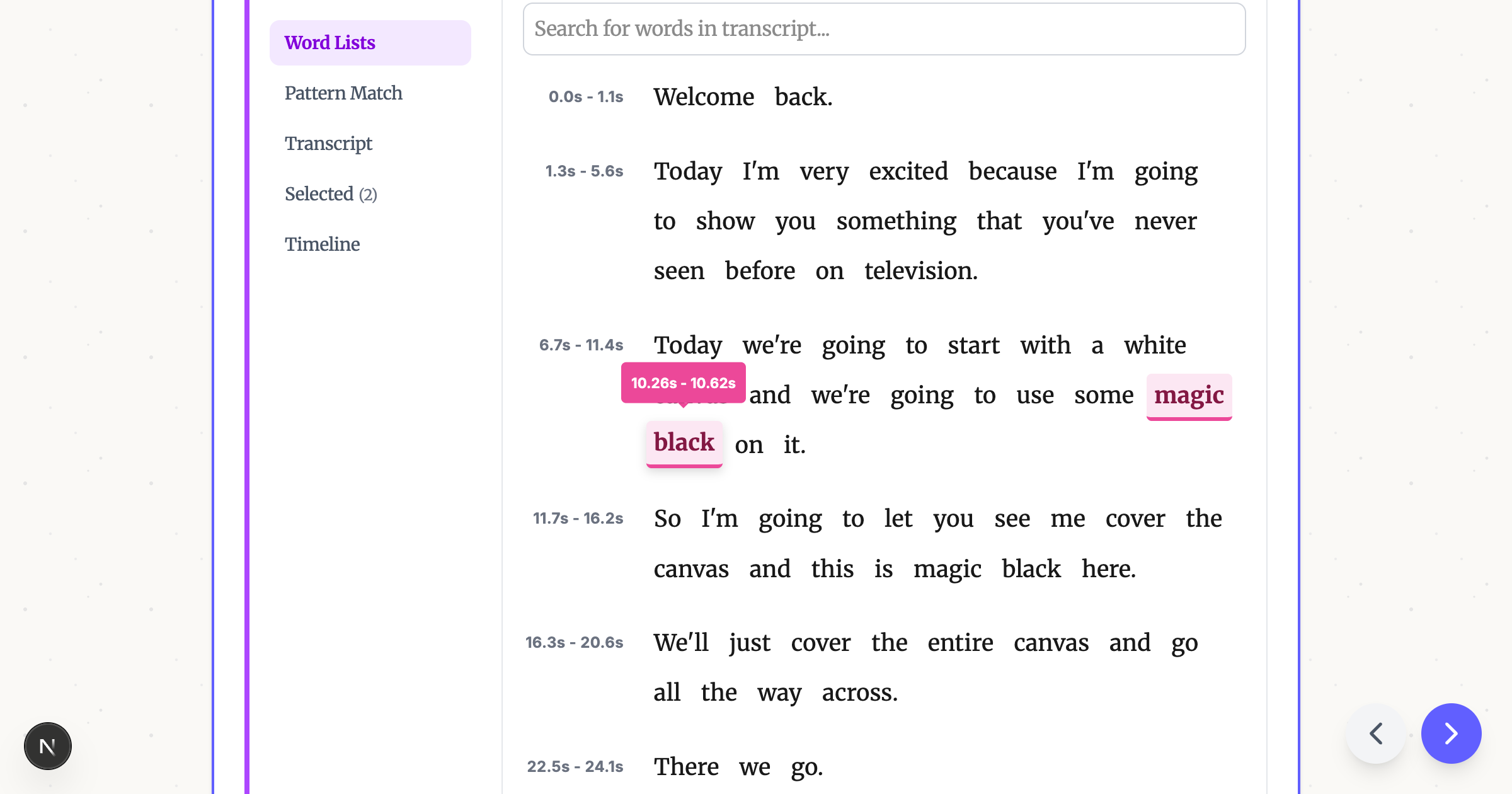
Manual way: Click any word in the transcript to toggle it.

4. Apply and Download
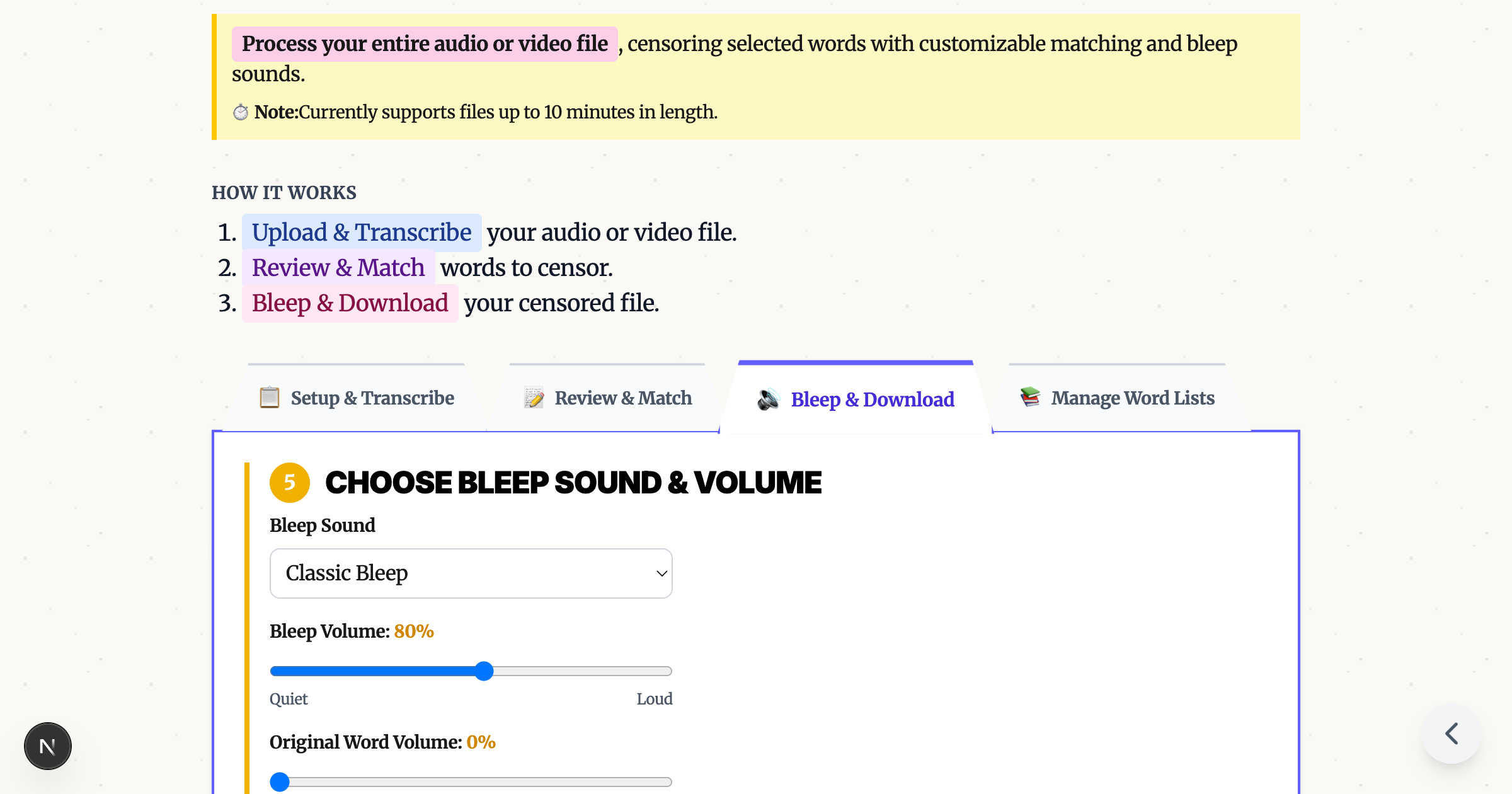
Pick a bleep sound, click "Apply Bleeps," and download your censored video.

Tips for Chromebook Users
| Chromebook Type | Recommendation |
|---|---|
| Budget/older models | Use Tiny model, keep videos under 5 min |
| Chromebook Plus | Base model works well, longer videos OK |
| School-managed | Works perfectly - it's just a website |
Try It Free
Ready to censor your video on Chromebook?
No download. No signup. No hassle.
Ready to Bleep Your Content?
Try our free in-browser tool - no uploads required, 100% private processing.
Bleep Your Sh*t!Related Articles
How to Bleep Out Words in Any Video (Free, No Download)
Bleep out swear words in any video for free. No download or signup required. Upload, select words to censor, and export in seconds.
Bleep Out Words in Video Without CapCut, iMovie, or Premiere Pro
Skip the complex video editors. Free browser tool auto-detects words and adds bleeps in minutes - no software to learn.
How to Bleep Out Words in Video: Complete Guide
Learn how to censor words from videos for free, directly in your browser. No software installation required.